Excel / 19
SbC
Sum By Color
Sum values by color
Calculate totals for cells sharing the same fill color.
Consulting service · scoped deliverable
MEWO model for the stated volume. This estimates an individual operation; actual delivery time including preparation and review depends on the source data.
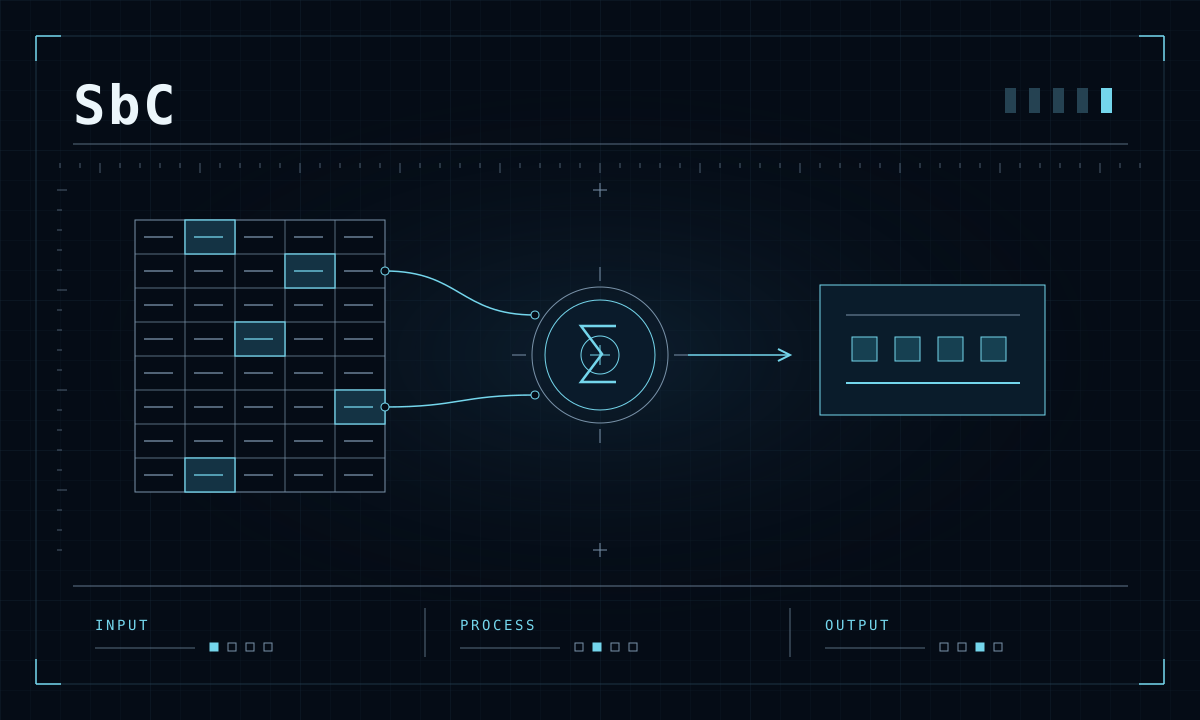
Colors represent statuses or cost groups, but highlighted totals are counted by hand.
A numeric cell range and a sample cell with the desired fill color.
A total for the selected fill color.
How your task becomes
a finished result.
- 01
Check the range and color meaning
- 02
Select the reference color
- 03
Sum matching numeric values
- 04
Validate a control sample
Conditional-formatting behavior and recalculation after color changes are verified on the source workbook.
Estimate your workload.
Let’s put numbers to it.
Linear estimate using the MEWO model. Reference volume: 100 cells. Actual time and cost depend on the source materials.
potentially available for other tasks
- Effort reduction
- 80%
- Value of released capacity (manual baseline)
- 213.07 RUB
- Modeled service price
- 153.41 RUB
- Total service cost
- 366.48 RUB
The manual baseline is all manual hours multiplied by the entered rate. Total = manual baseline + modeled price + (provider hours − client hours) × rate.
Calculation method and assumptions
Manual and automated effort scale with volume. Estimated time saved is manual effort minus automation, preparation and review. The manual baseline is manual hours multiplied by the entered hourly rate. The modeled price equals 852.27 × (0.65 × manual hours + 0.35 × automated hours). The total adds the manual baseline, modeled price and review adjustment: (provider hours − client hours) × the entered hourly rate. Amounts are rounded for display.
The model uses a reference rate of RUB 852.27/hour. The entered hourly rate applies to the manual baseline and review hours.
Does this fit your task?
First, we agree the inputs, review criteria and deliverable. The software remains the service provider’s working tool.